Client: Agrawal Welfare Foundation

Role: Lead UI/UX Designer

Team: 1 Product Manager, 1 Frontend Developer, 1 Backend Developer

Tools Used: Adobe XD, Figma (Prototyping), Zeplin (Handoff)

Timeline: 4 Weeks

Platform: Mobile-first (iOS + Android)

Introduction

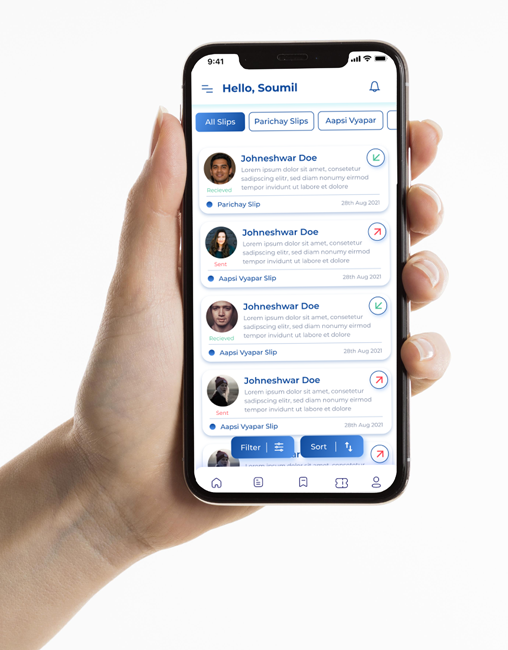
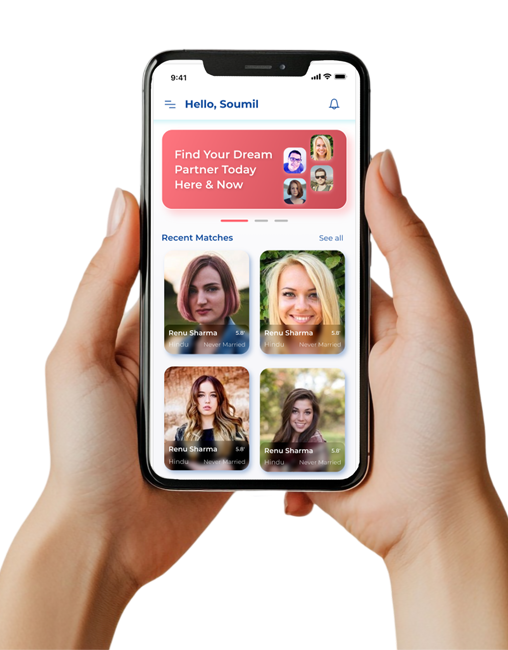
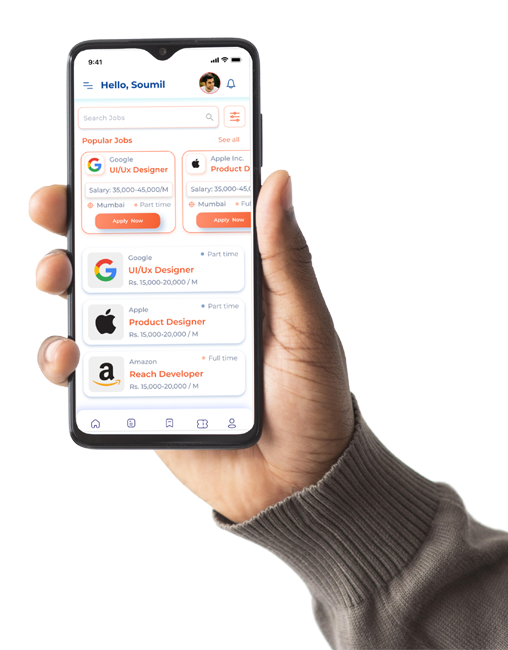
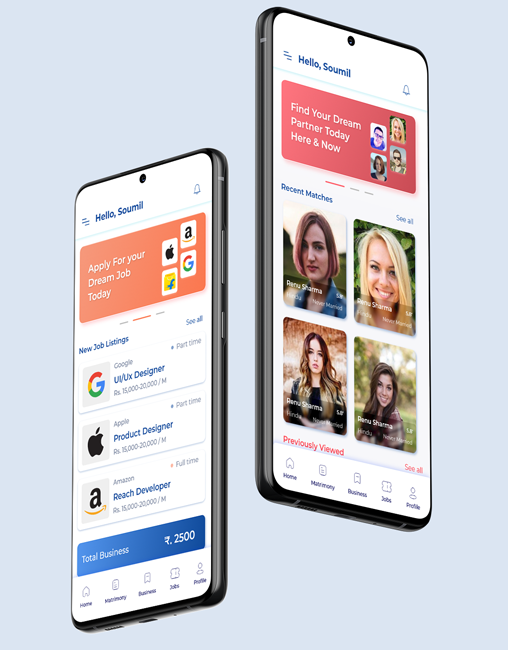
A multifunctional community app designed to connect users with local businesses, job opportunities, and potential partners—streamlined into one intuitive platform with distinct color-coded modules for clarity, trust, and seamless user experience.
Communities, especially immigrant and cultural groups, often struggle to stay connected beyond messaging apps. There’s a lack of centralized digital platforms where people can:

  1. Discover local businesses or promote their own
  2. Find job opportunities within the community
  3. Connect for personal or matrimonial purposes with a sense of trust and cultural familiarity

How might we design a single platform that serves three distinct but culturally connected needs — Business Discovery, Job Hunting, and Partner Finding — while keeping the experience intuitive and visually cohesive?

Create clear differentiation between modules using color psychology

Keep onboarding and engagement frictionless to drive community adoption

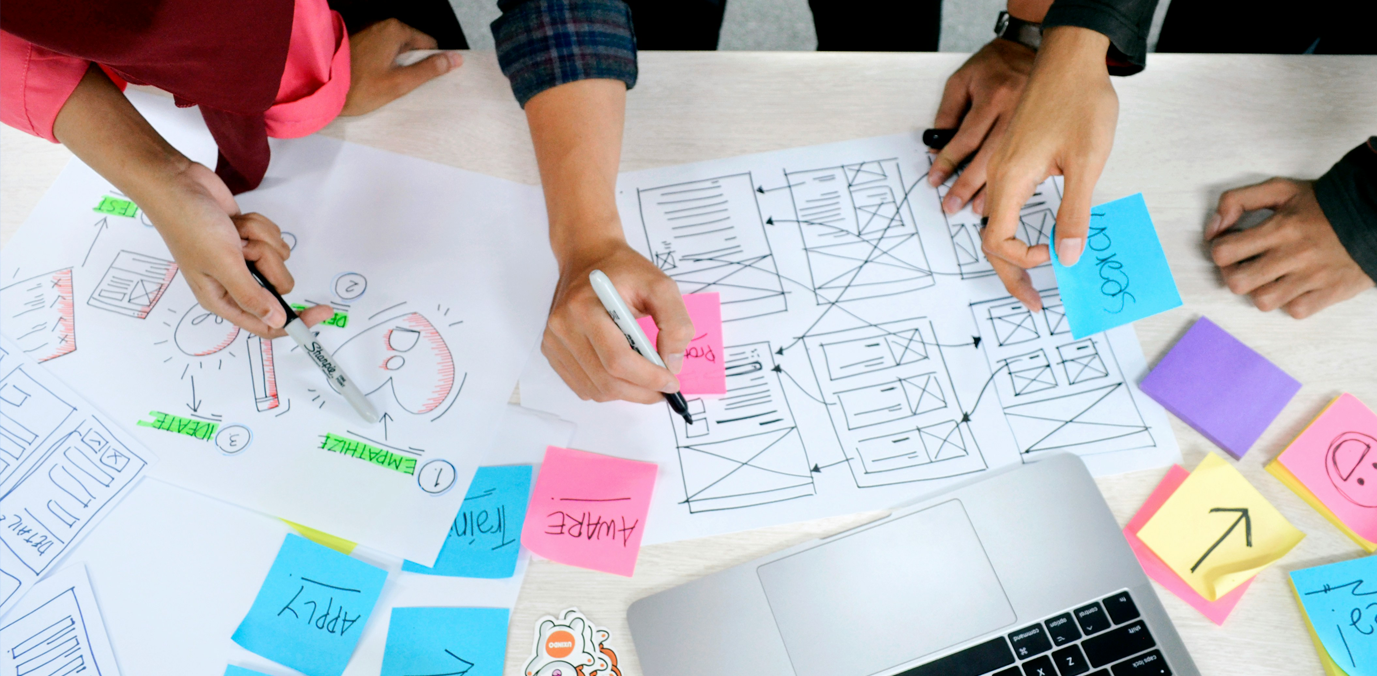
Due to time constraints and budget, I conducted targeted interviews from community circles to validate assumptions.

  1. Users trust apps more if they feel culturally grounded (e.g., familiar names, icons, colors)
  2. Most users wanted to browse before signing up
  3. Job seekers preferred simple filters over advanced AI-based job boards
  4. Businesses wanted visibility, not complex CRMs
  5. Users looking for partners wanted privacy-first UI

I conducted guerrilla testing with 6 users across 2 iterations.

Initial Frictions:

  • Users confused when switching between modules
  • Profile picture upload was slow
  • Overlapping actions between modules

Fixes:

  • Introduced persistent tab bar with clear icons & module names
  • Added micro-interactions on transitions
  • Implemented lazy loading for faster image uploads

Created a modular design system using atomic principles:
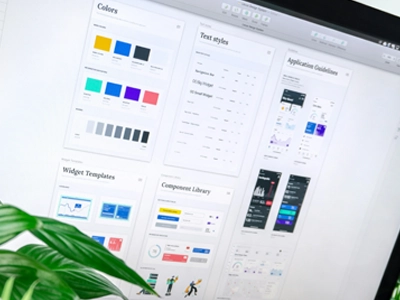
  • Typography: Poppins & Inter for clear hierarchy
  • Iconography: Custom SVG set optimized for readability
  • Components: Button variants, Input fields, Cards, Avatars, Tabs
  • Accessibility: Minimum 4.5:1 contrast ratio across modules
Collaboration & Handoff
  • Used Zeplin for pixel-perfect handoff
  • Documented user flows, edge cases, and empty states
  • Regular standups with the dev team to clarify feasibility
vishesh.ca

Designing this app was not just about solving user problems — it was about connecting people and empowering micro-communities. As a lead designer, I ensured that every screen, pixel, and interaction carried intent and purpose.